 Image 1 of 1
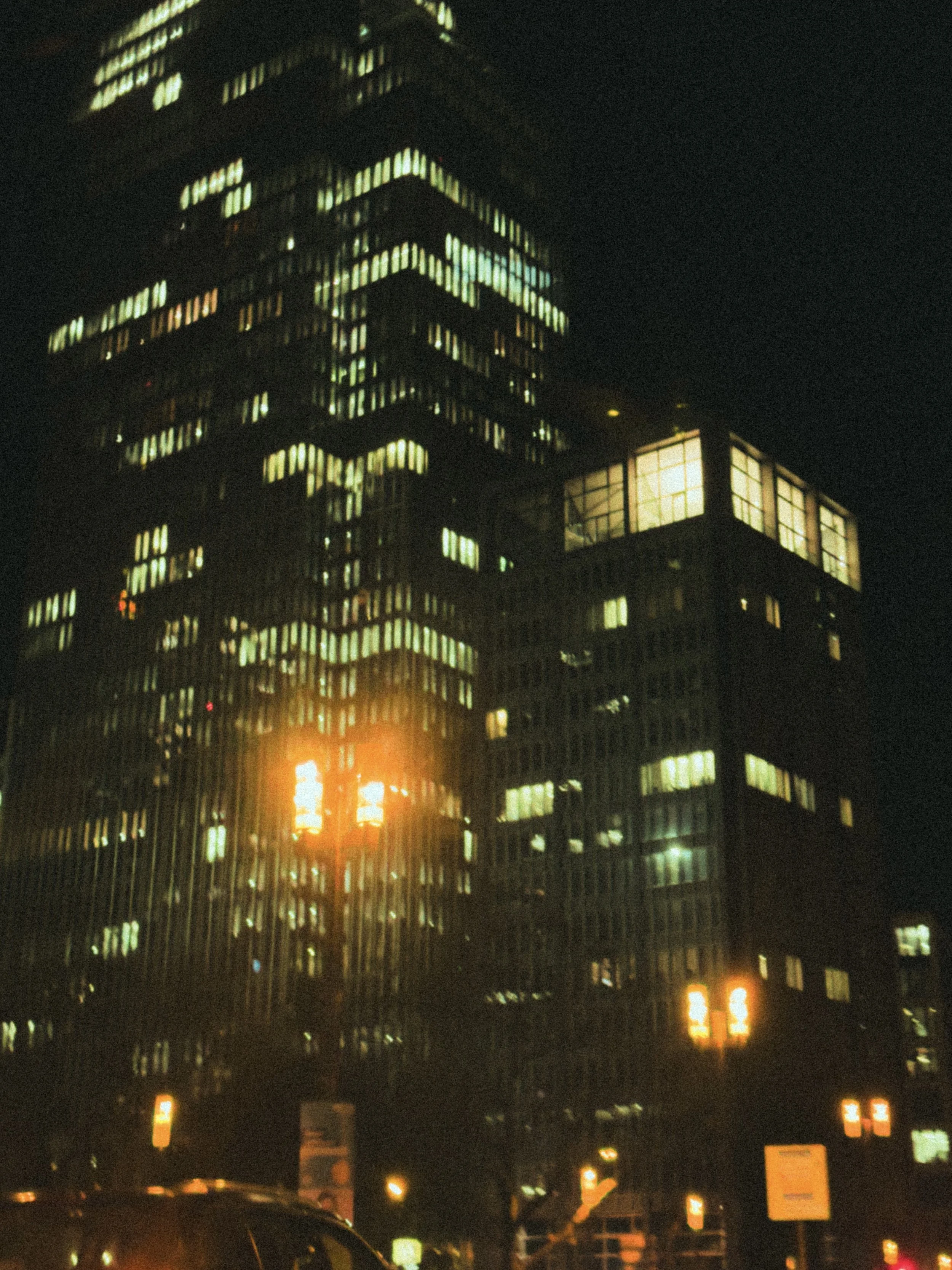
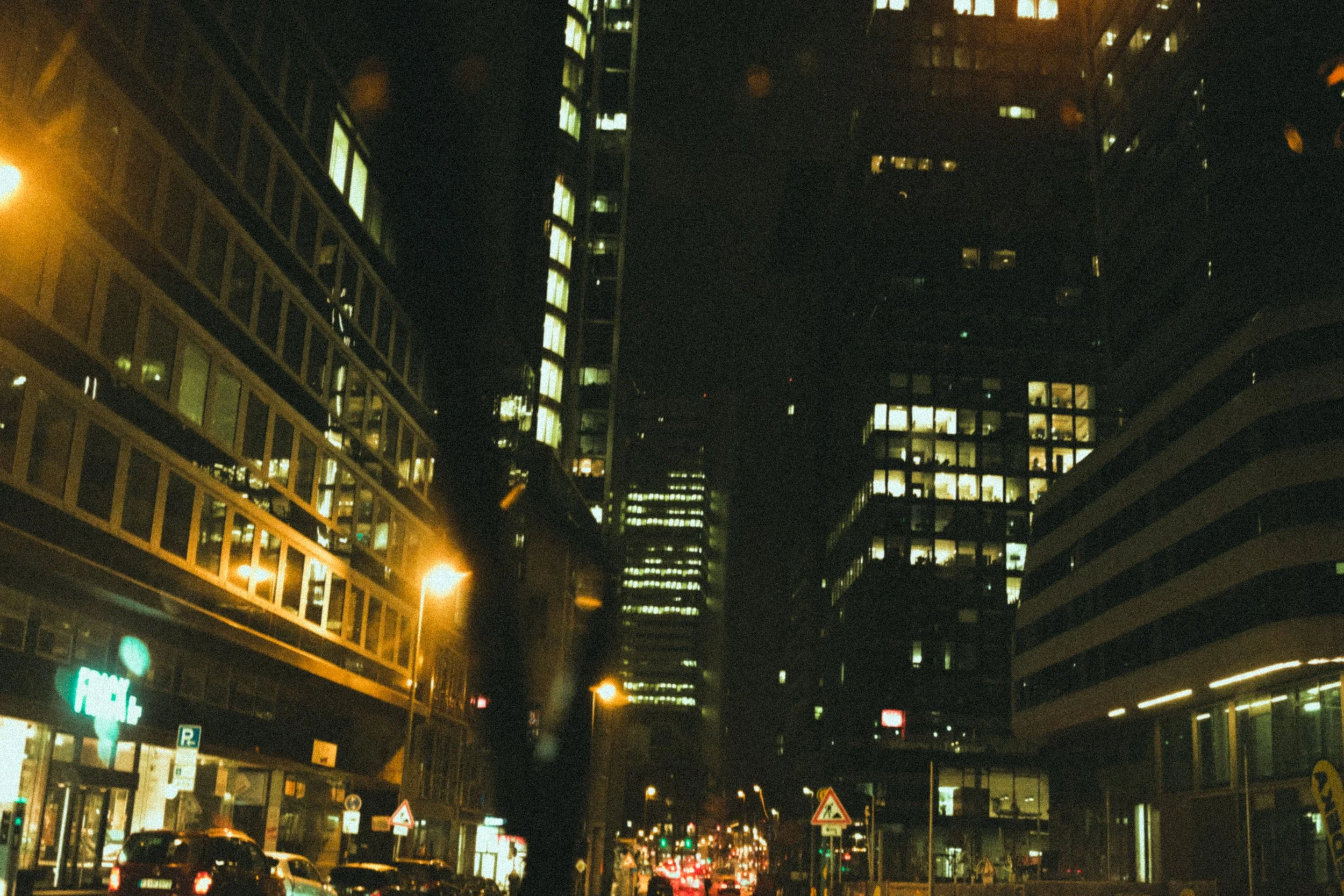
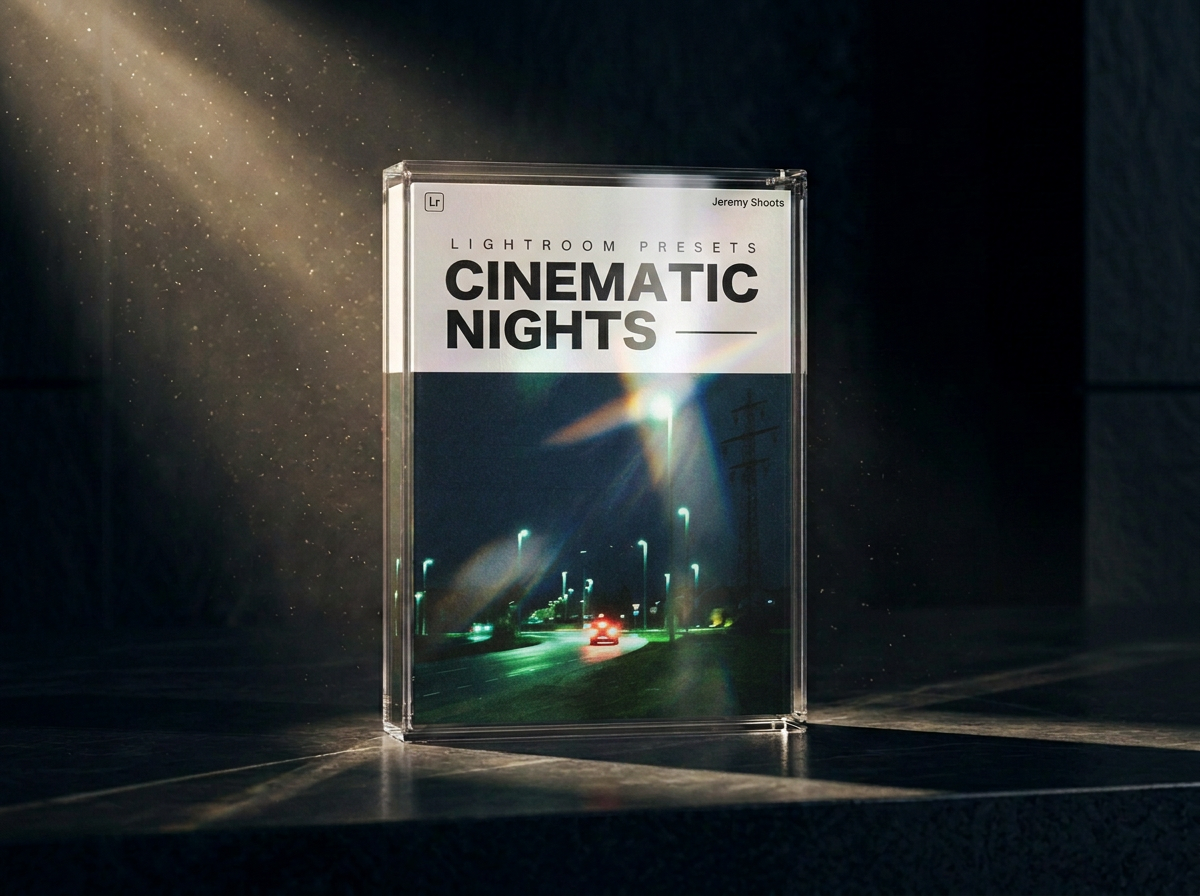
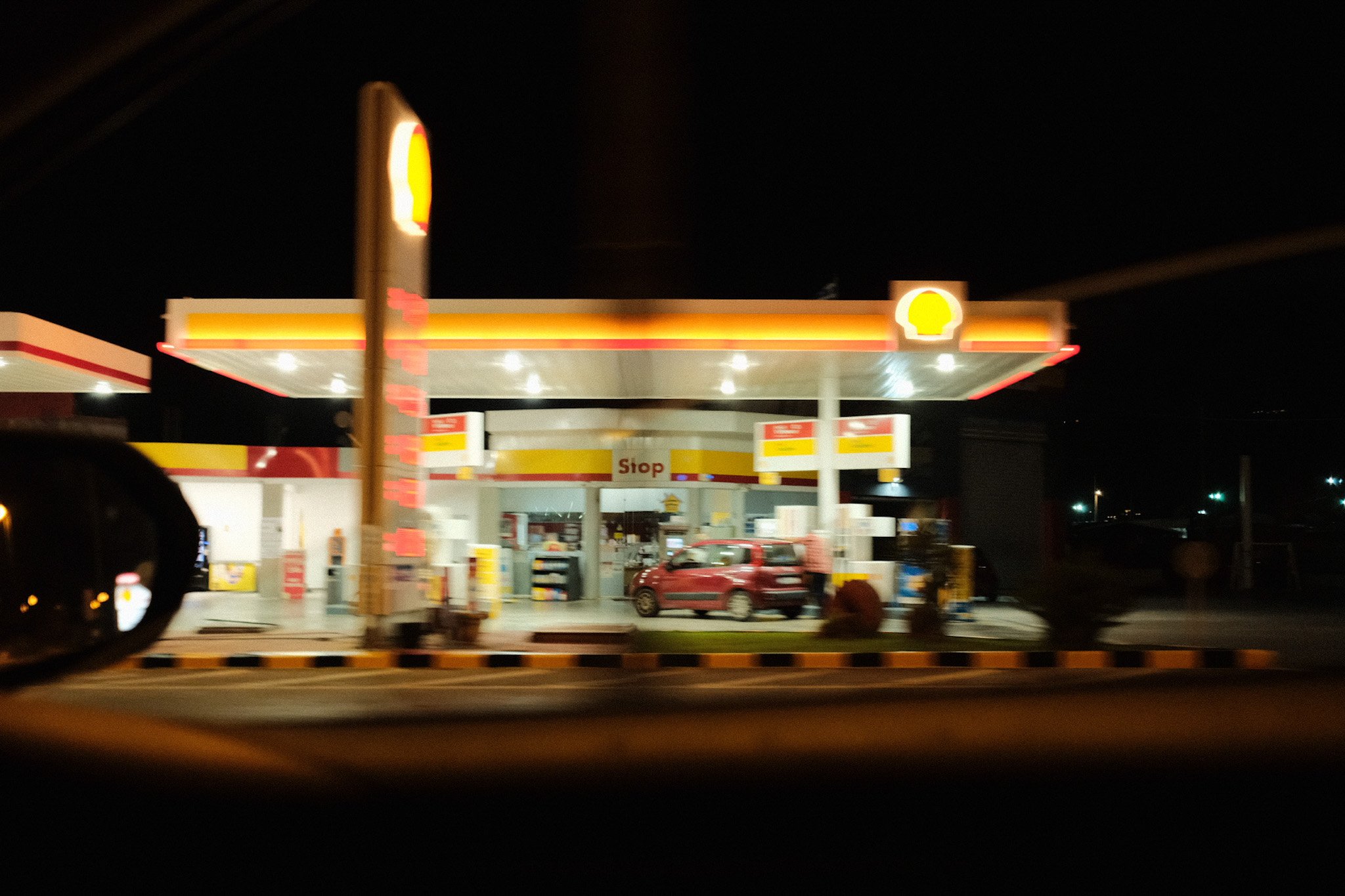
CINEMATIC NIGHTS Lightroom Presets
Turn your photos into cinematic frames with one click.
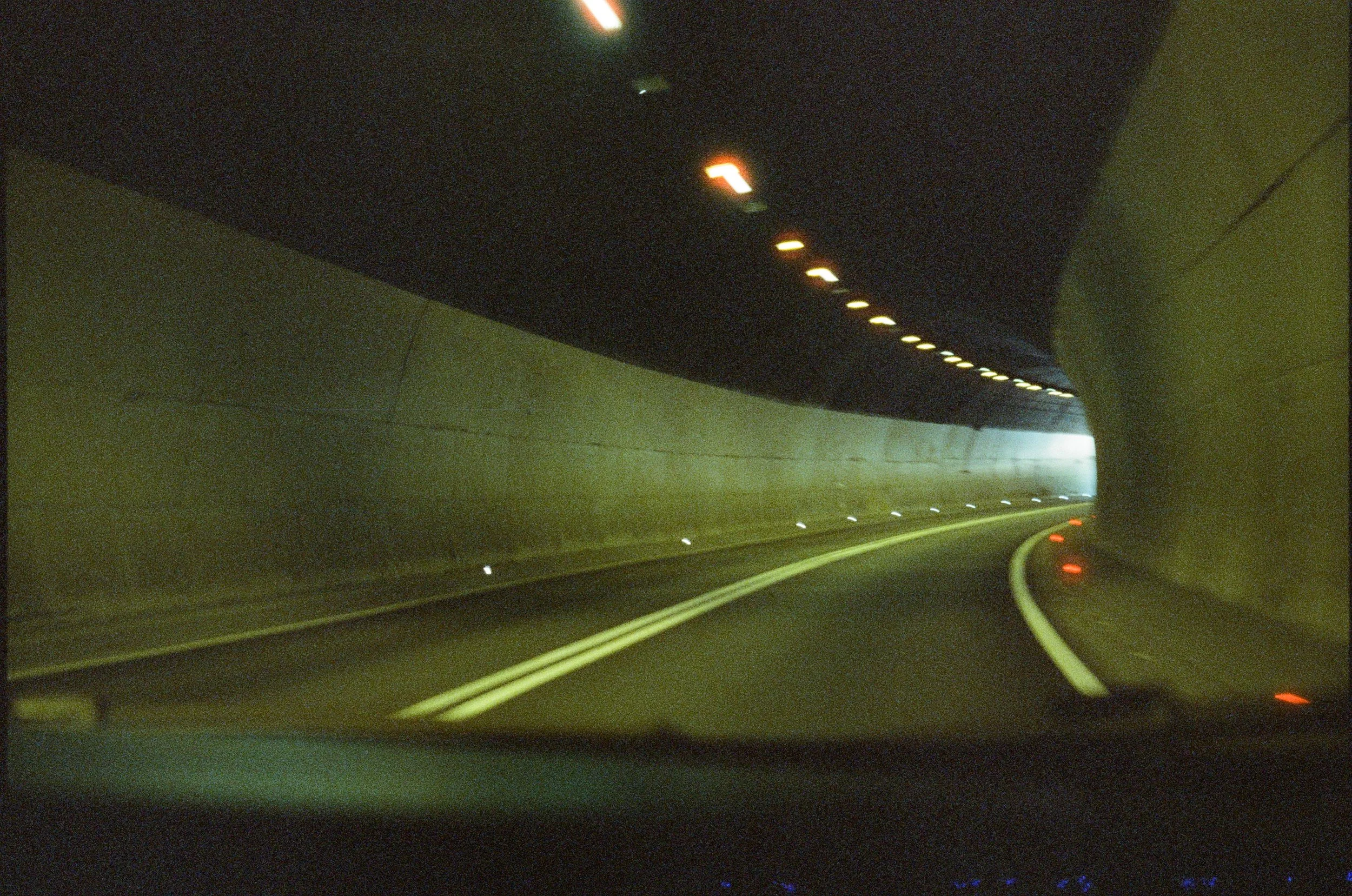
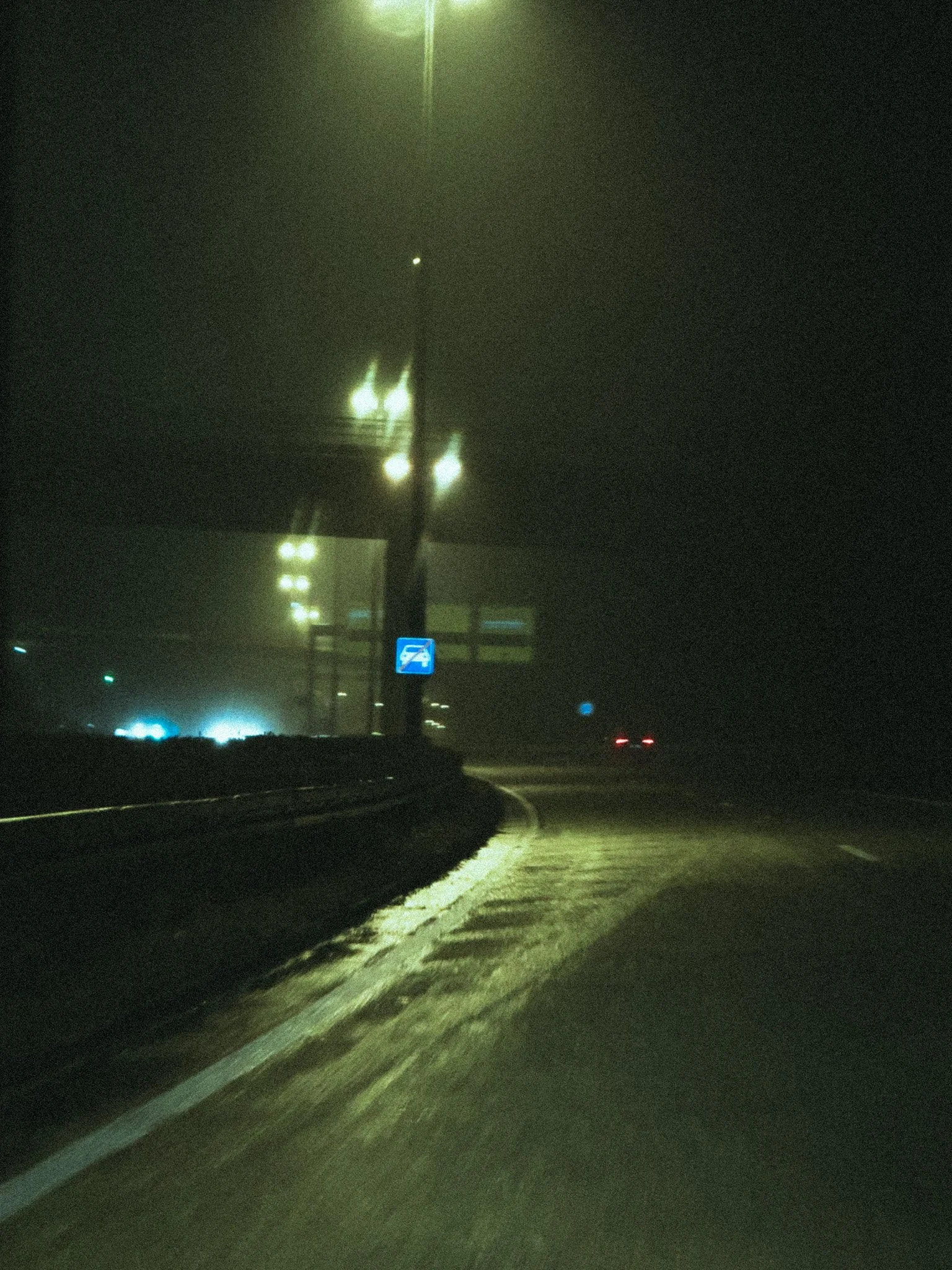
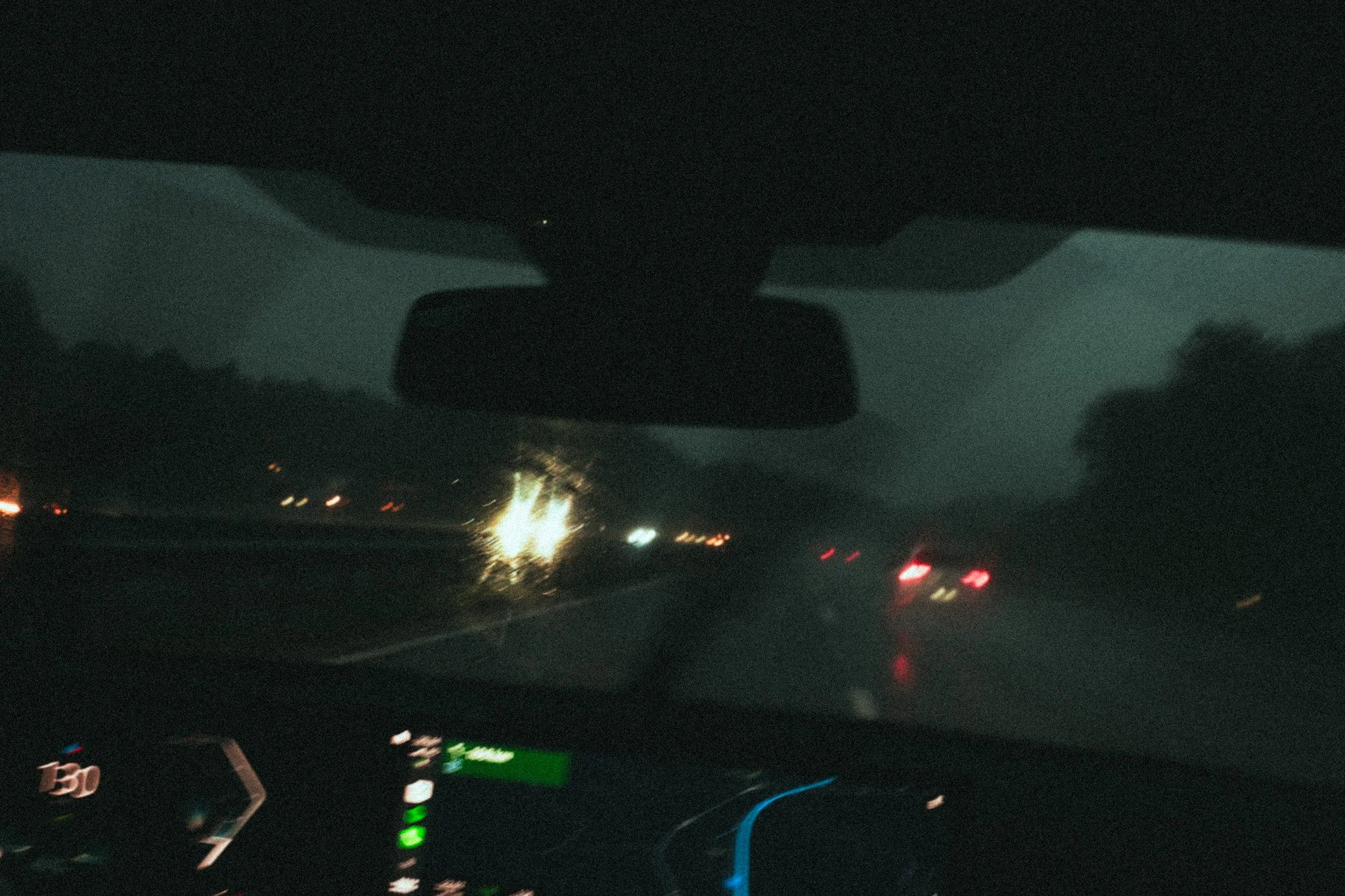
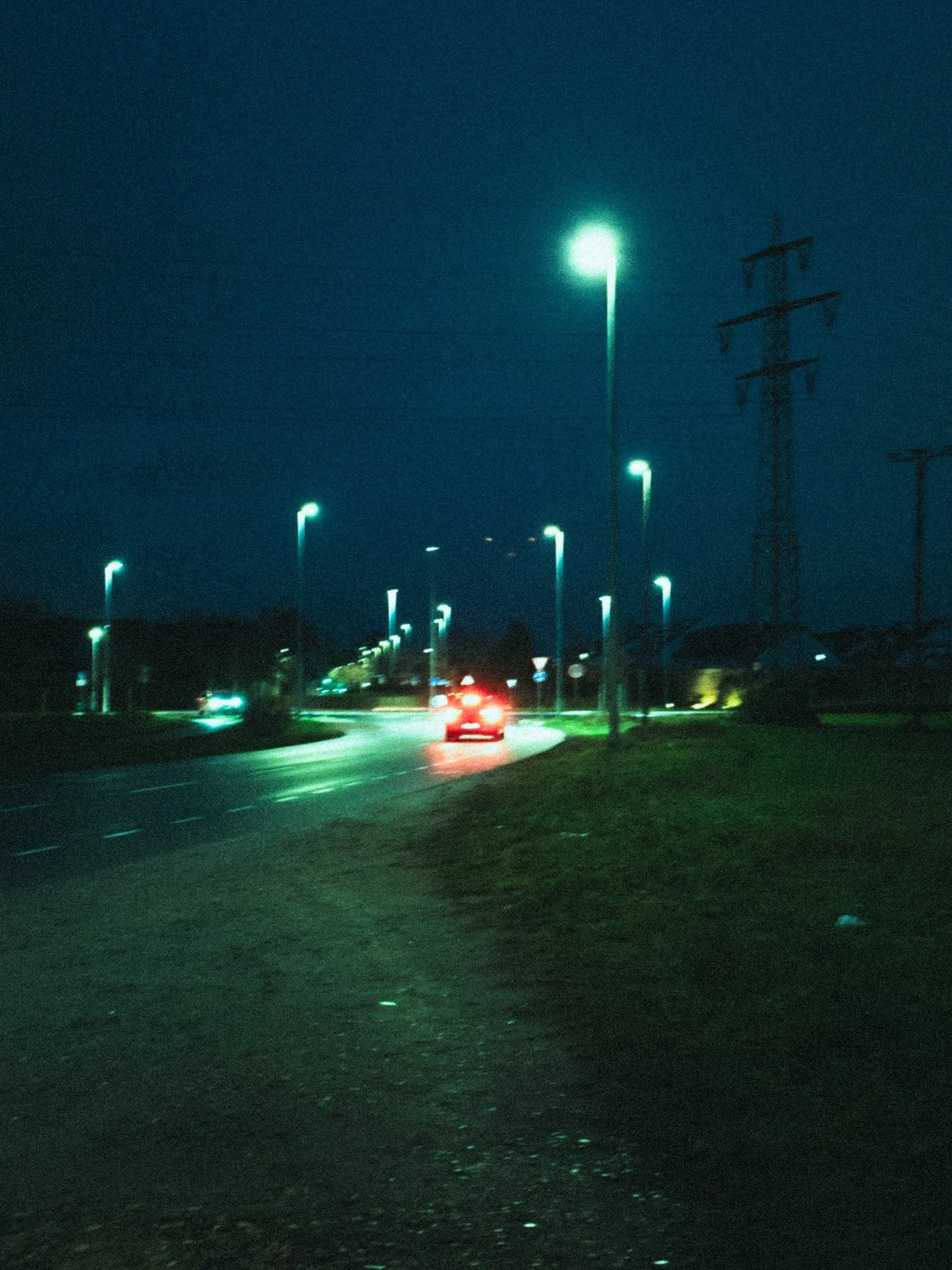
Made by a photographer, for photographers. Cinematic tools designed to turn your photographs into frames with the atmosphere of a movie.
MORE THAN A
COLOR GRADE
Stop spending hours chasing the right colors and tones. Start with a cinematic
foundation and spend more time creating.
About the Presets
-
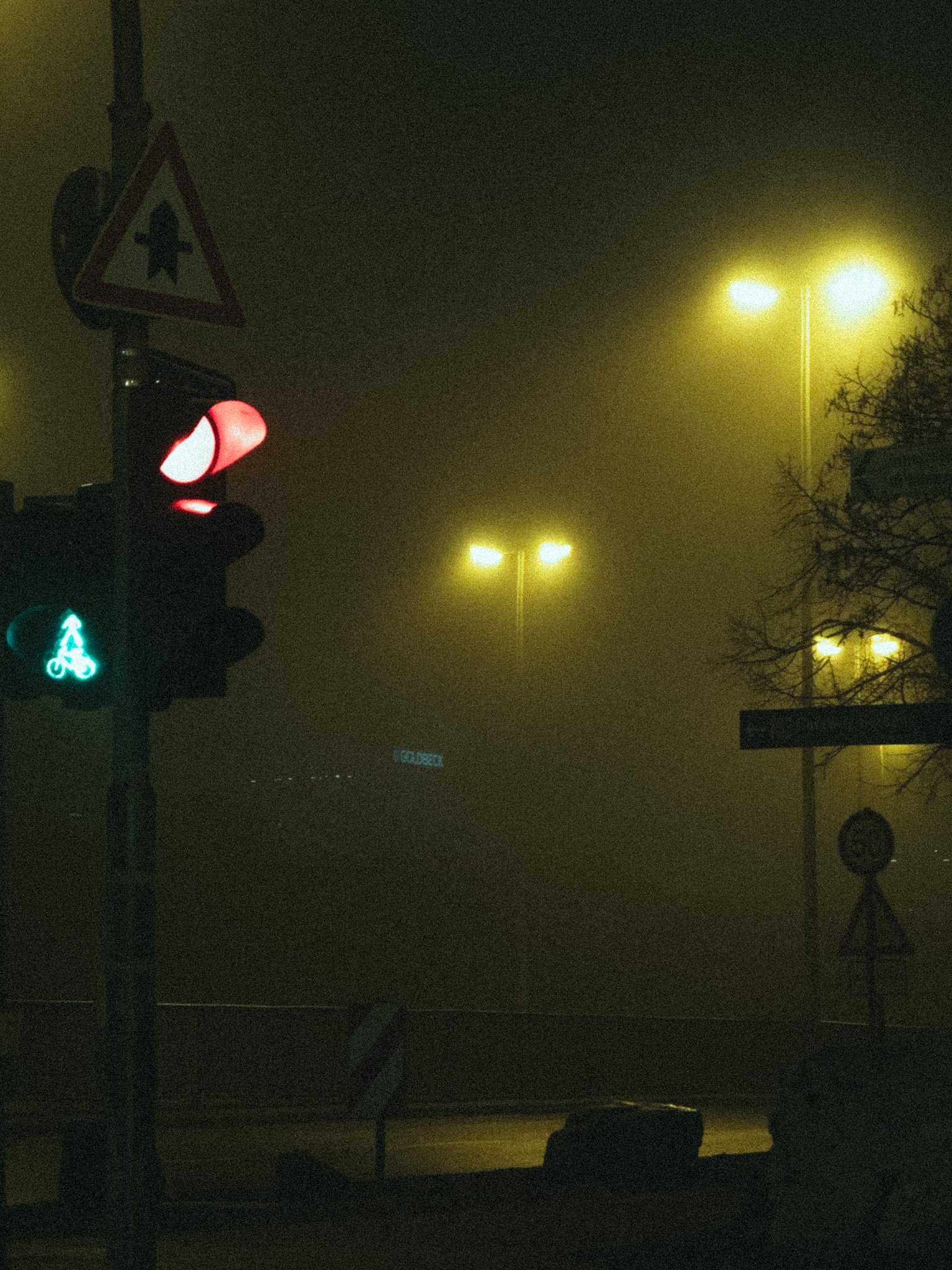
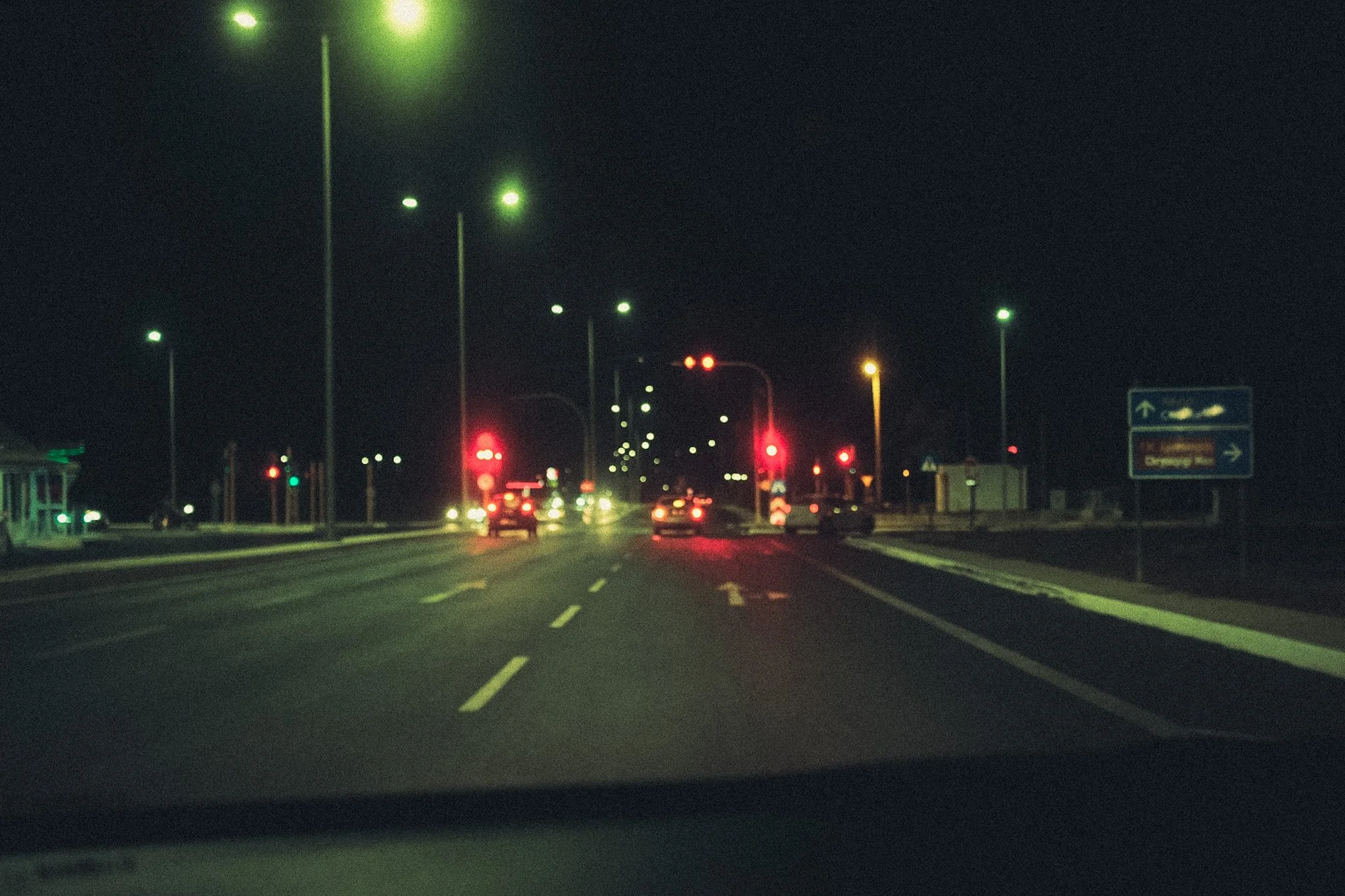
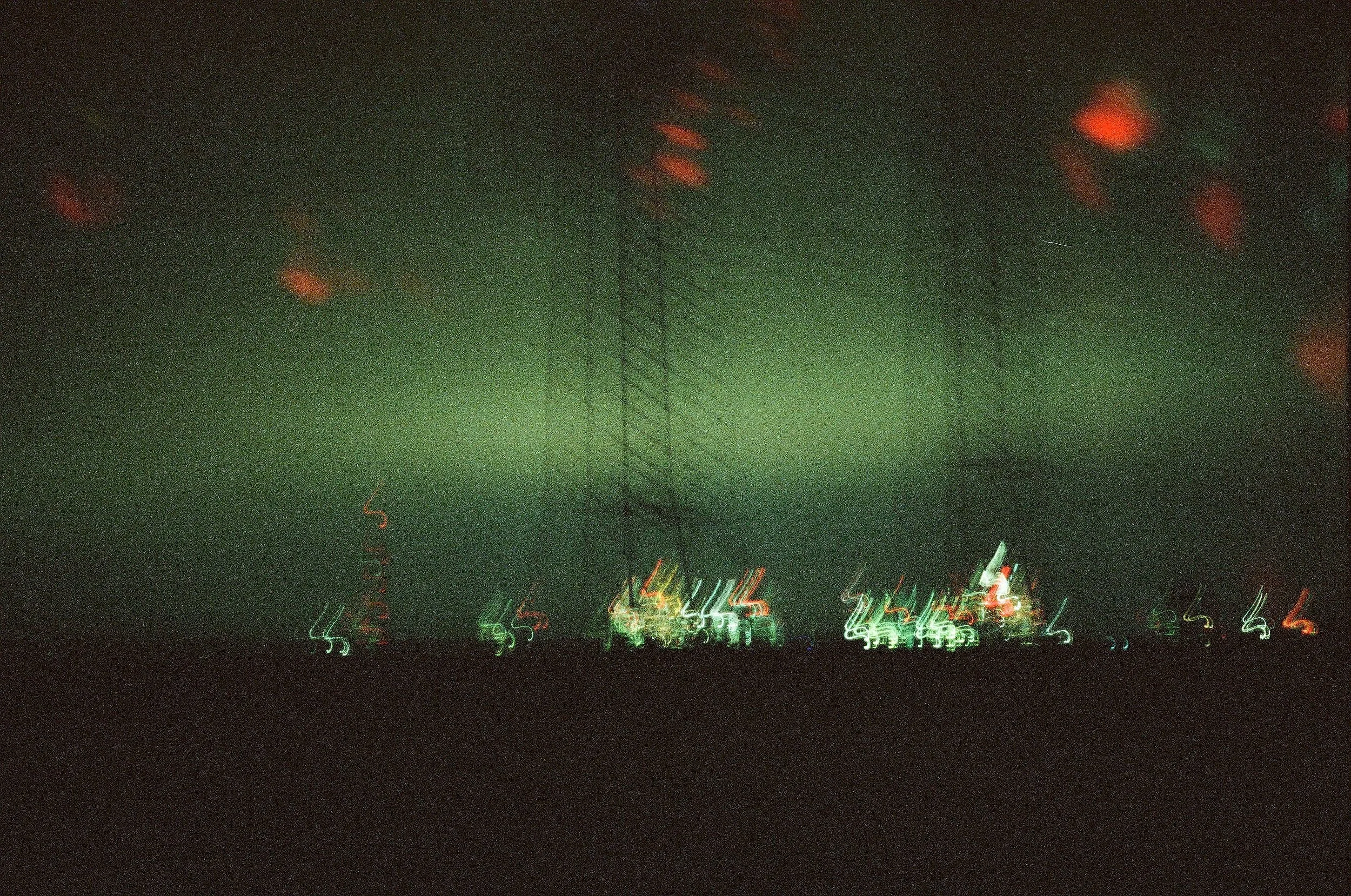
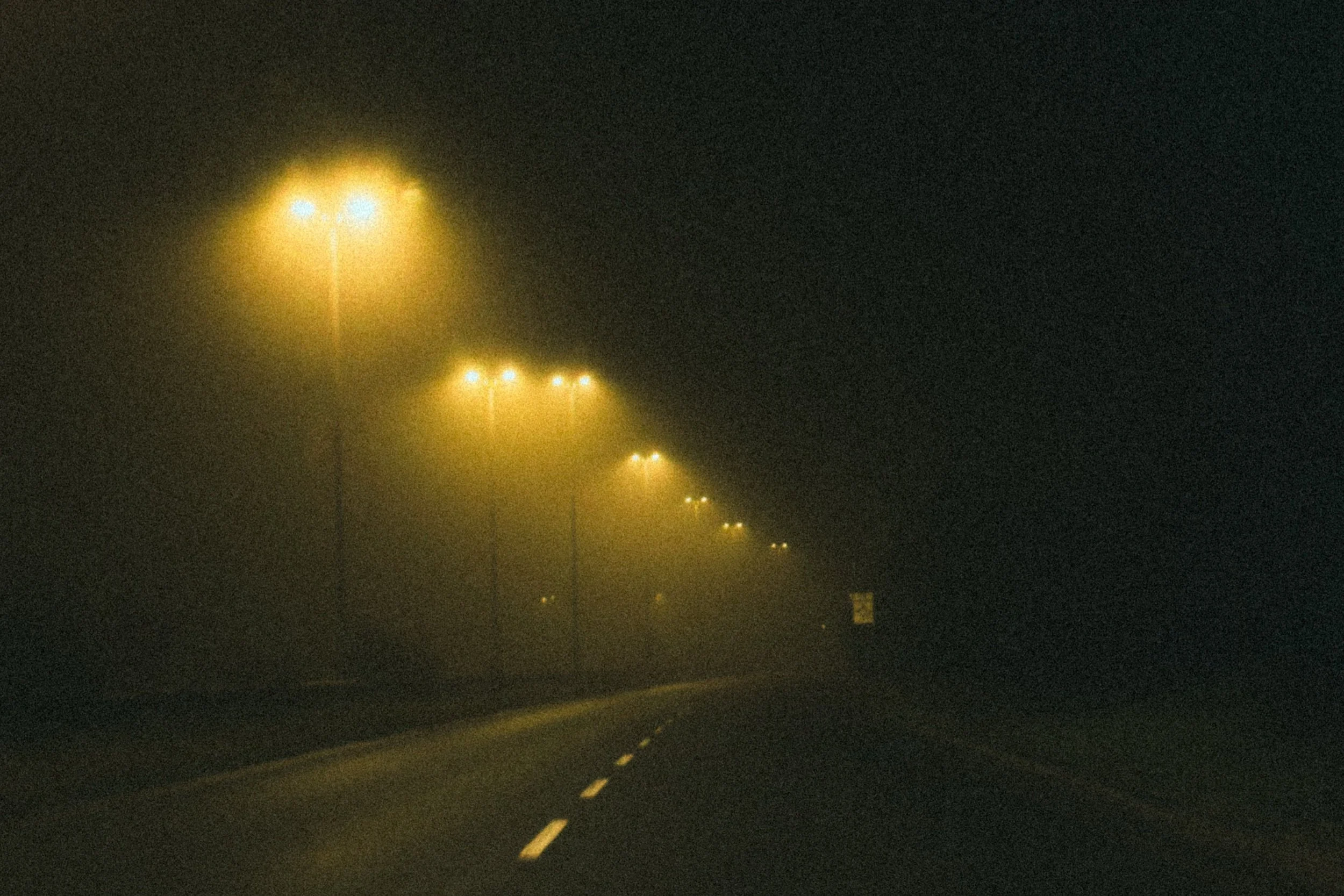
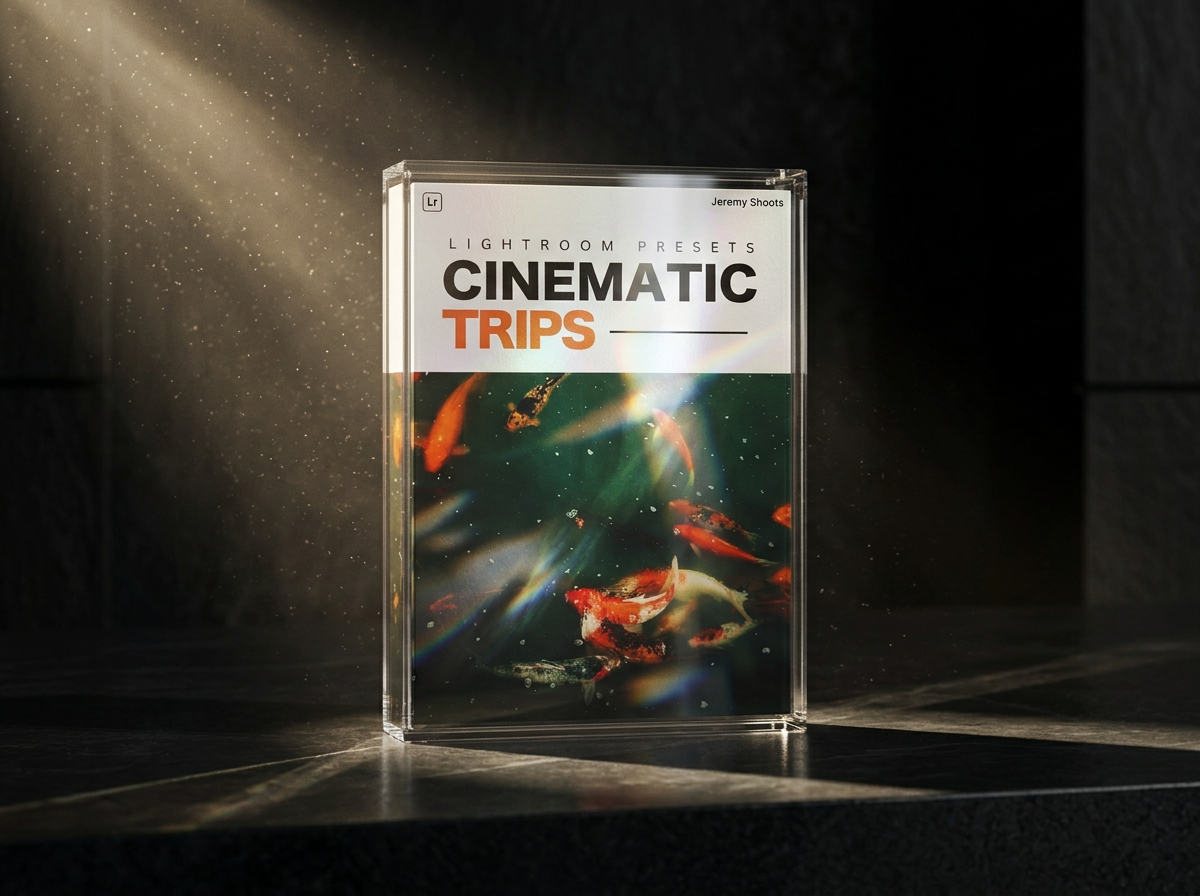
20 cinematic Lightroom presets designed for moody night photography, neon tones, urban scenes and film-inspired edits.
10 Desktop Lightroom Presets
10 Mobile Lightroom Presets
Desktop + Mobile compatible
Instant digital download
Installation guide included
Free future updates
-
Perfect for creators shooting:
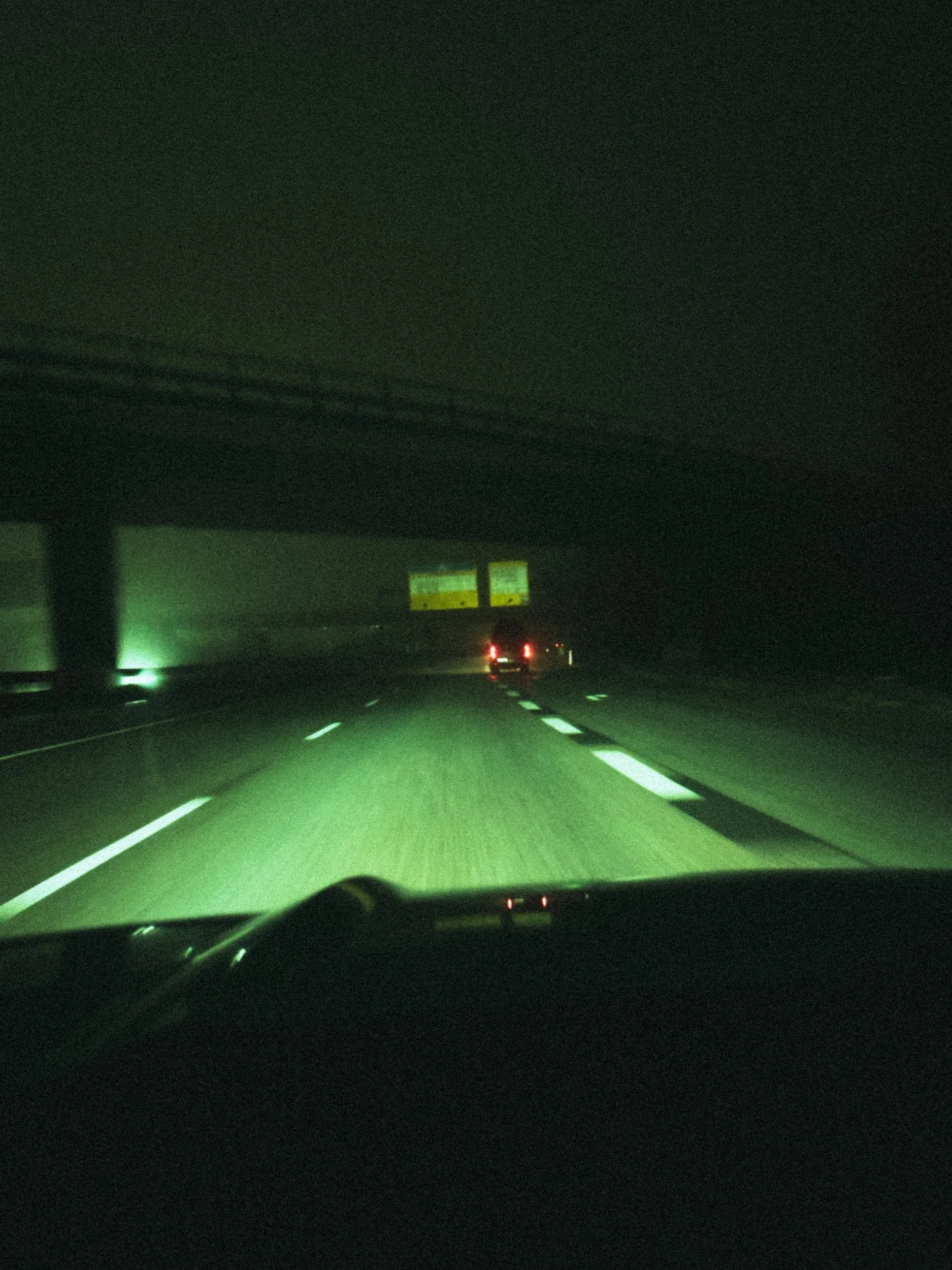
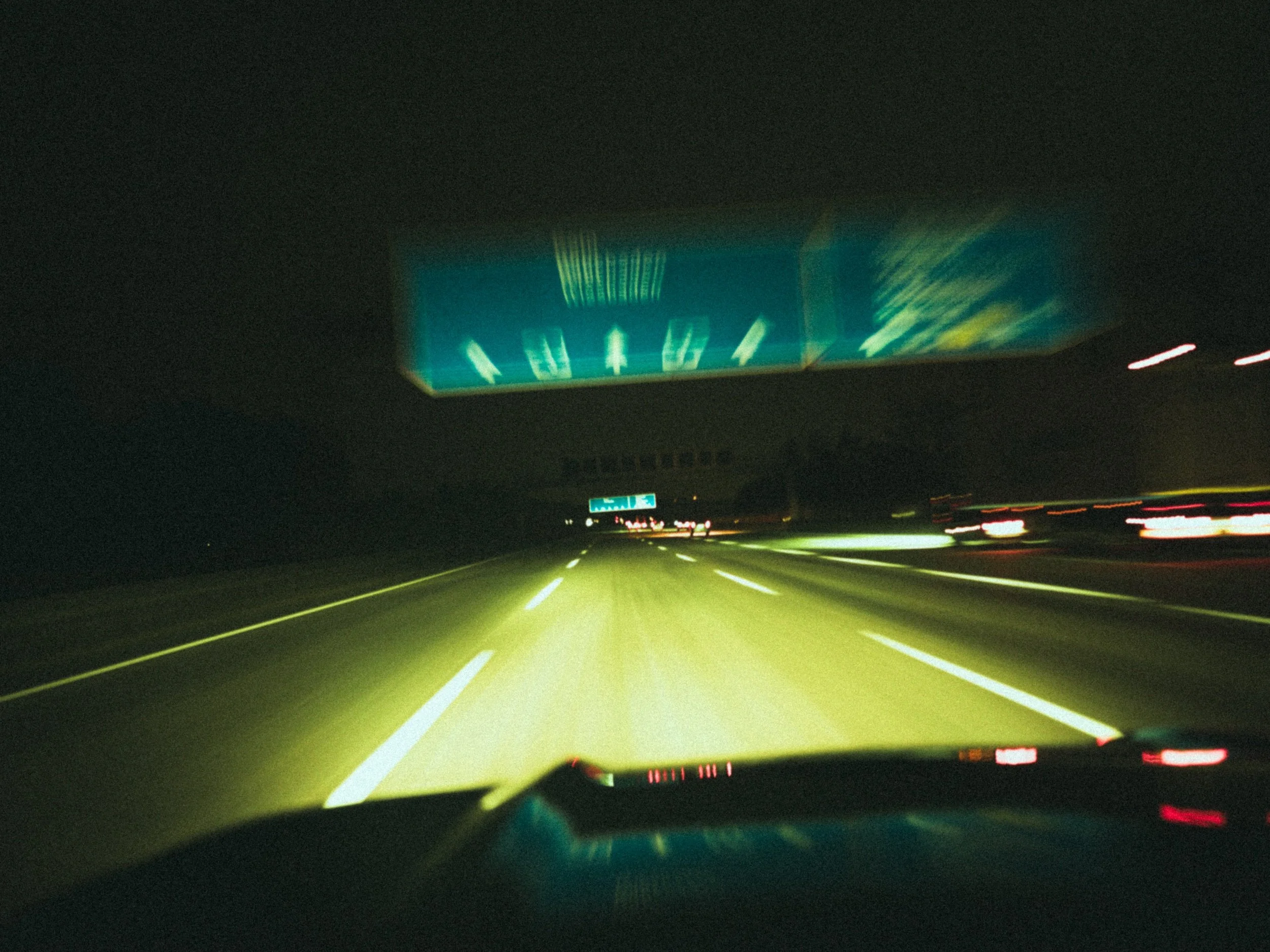
Night drives
Cinematic portraits
Street photography
Cars & neon lighting
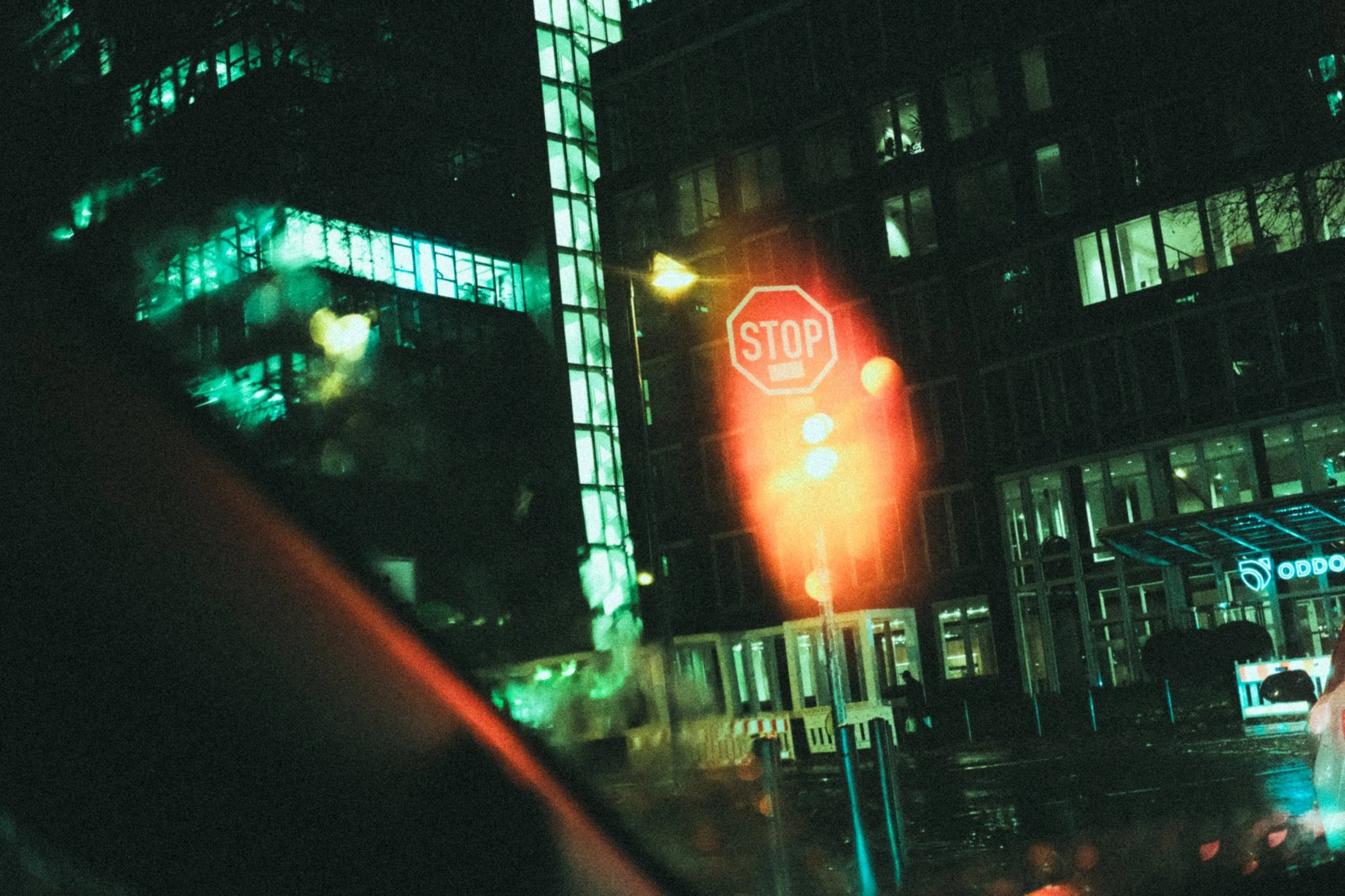
Rainy urban scenes
-
Compatible with Lightroom Classic, Lightroom CC and Lightroom Mobile on both iOS and Android.
-
Presets are designed to create a cinematic base while still allowing flexibility for personal adjustments. Results may vary depending on lighting conditions and camera settings.
Featured Products
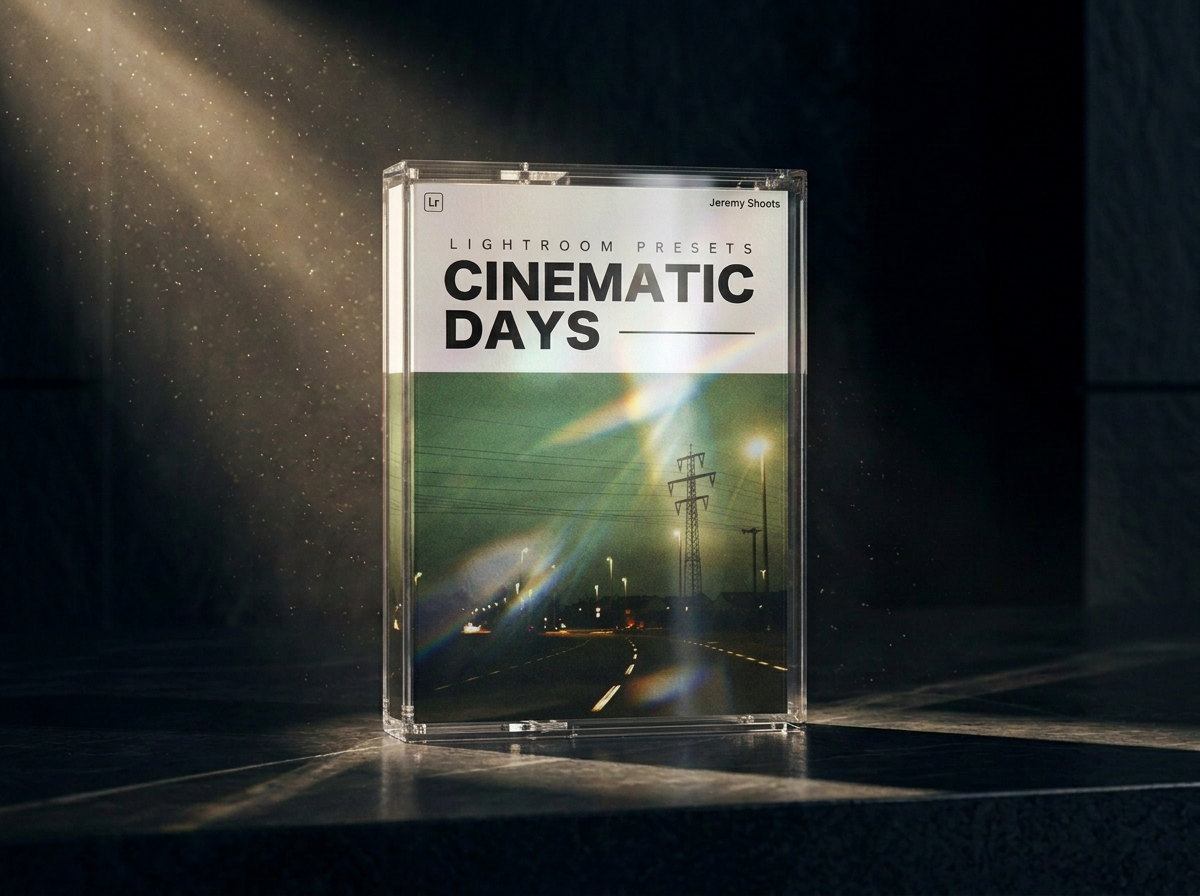
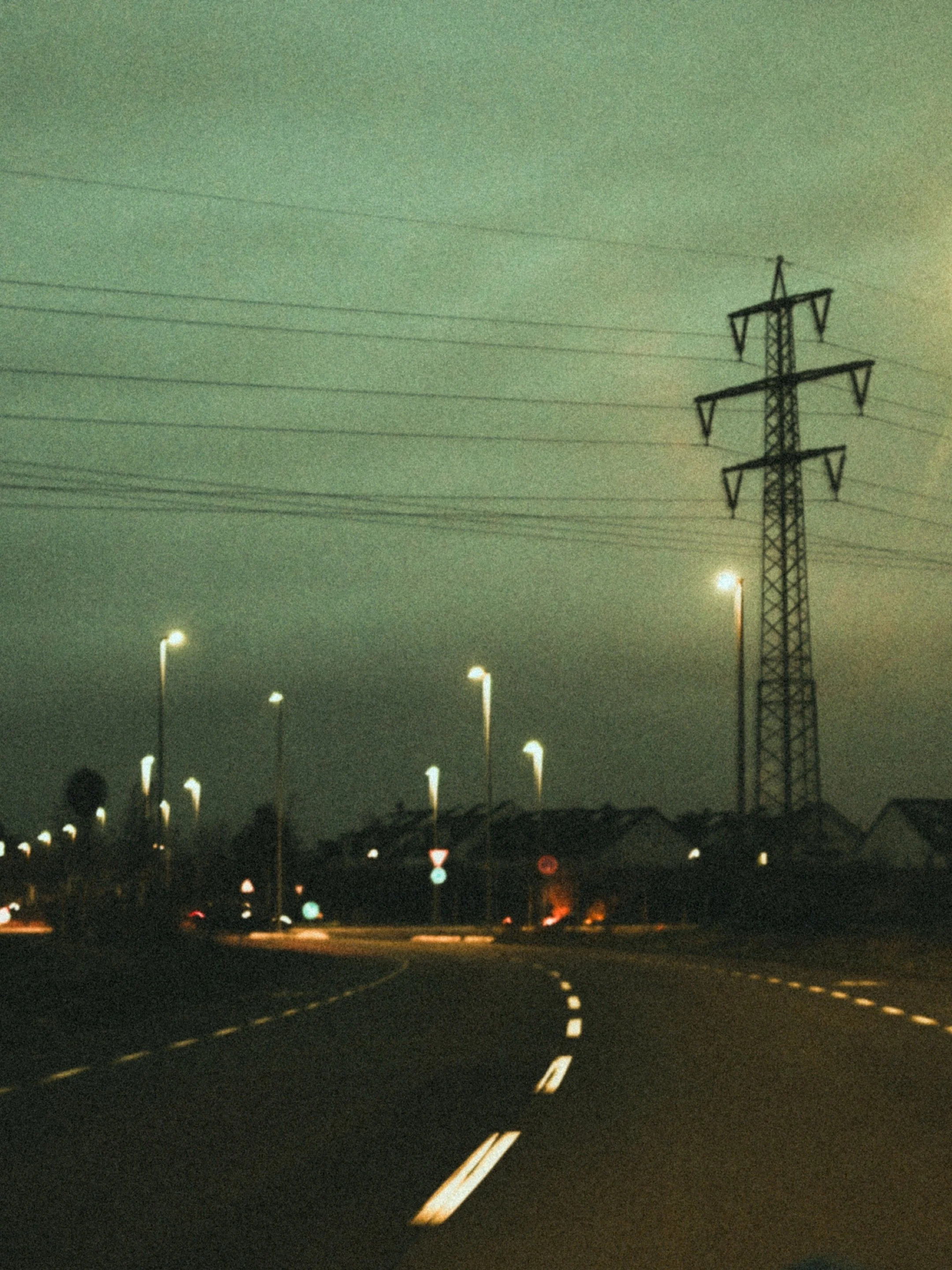
Get 20 Cinematic Lightroom Presets built around a nostalgic, dystopian vision.
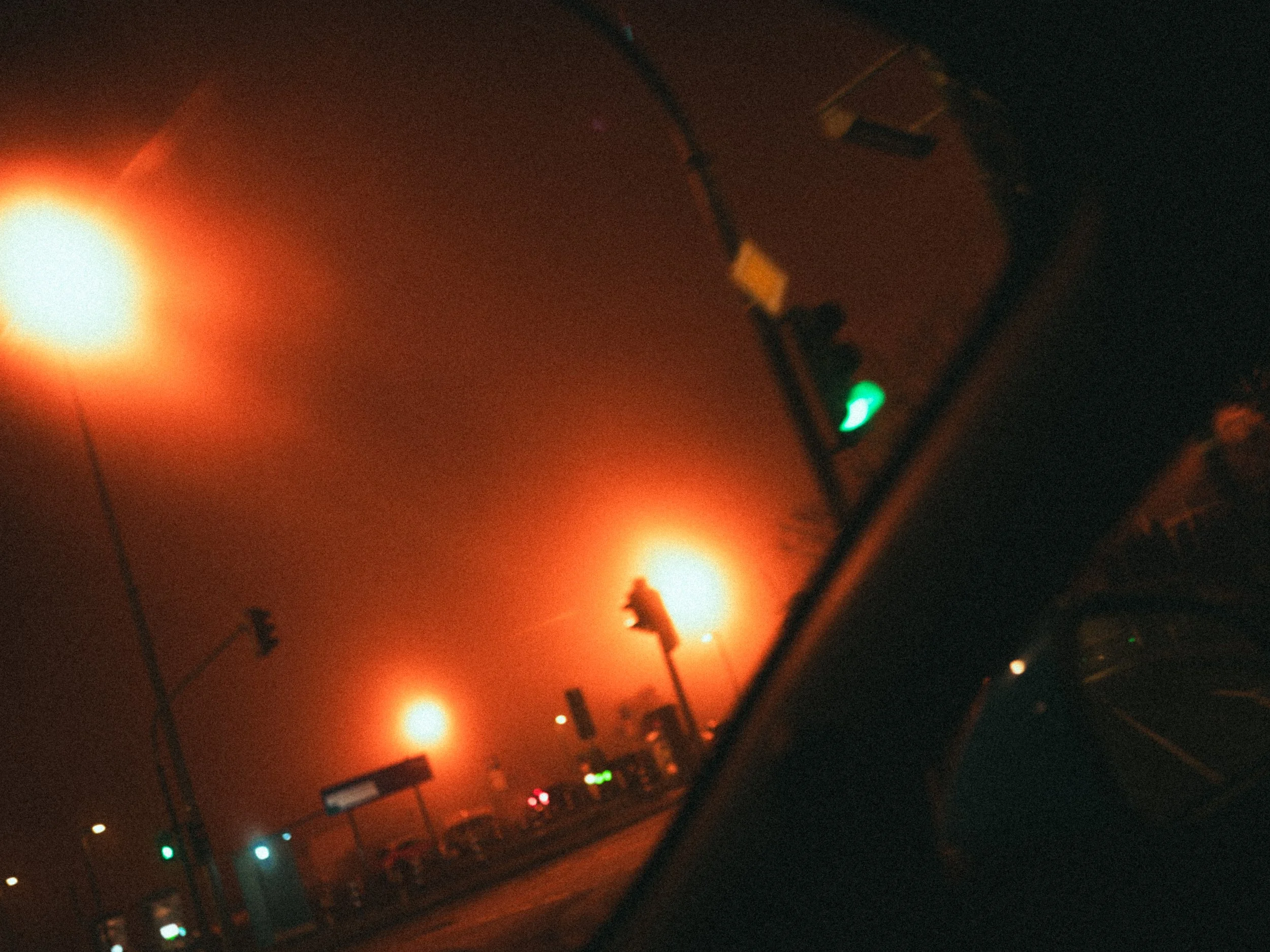
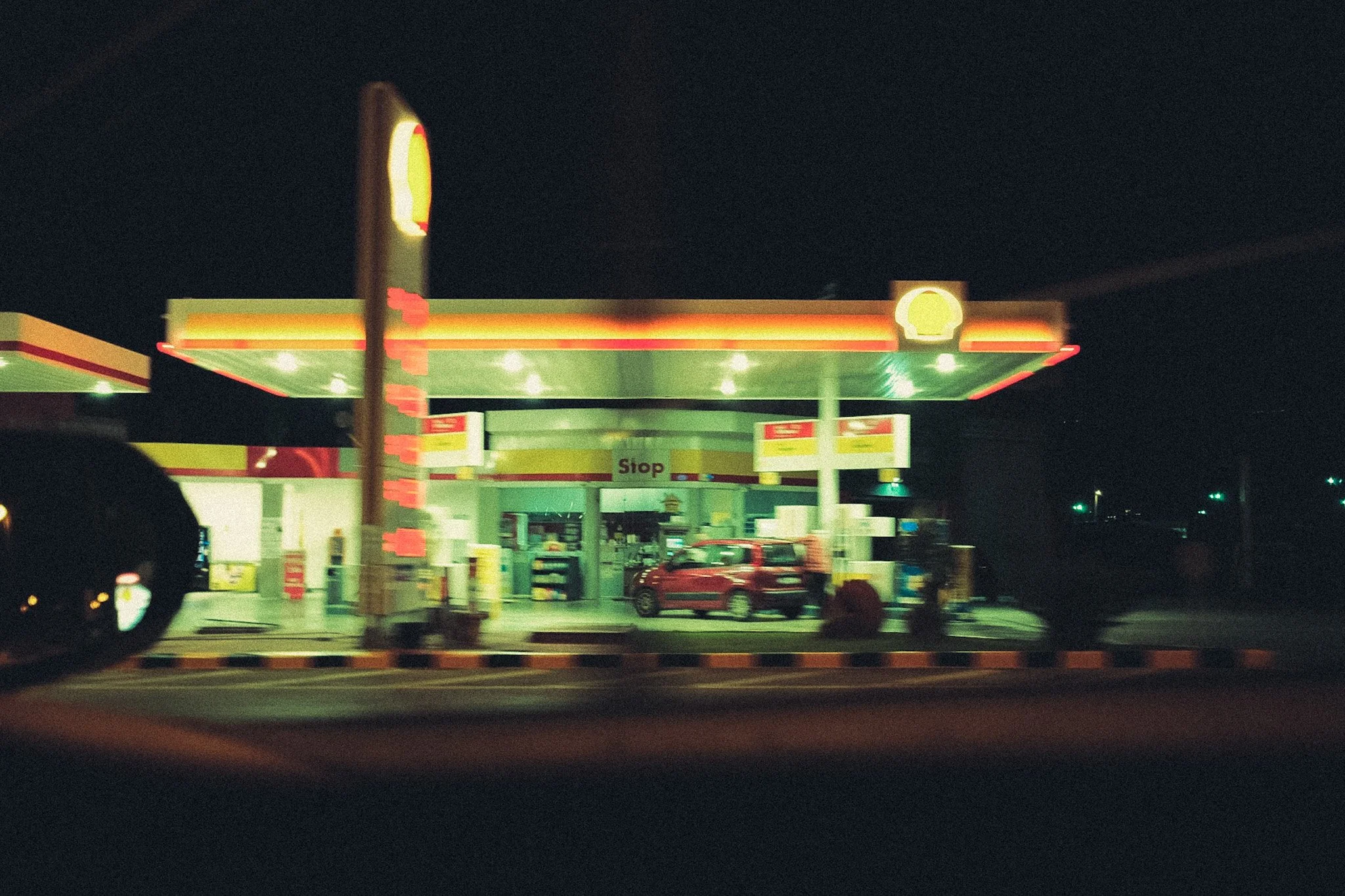
It blends green-teal tones with deep shadows, muted colors, soft glowing highlights to create a raw analog atmosphere.
Transform your photos instantly with the Cinematic Days presets.
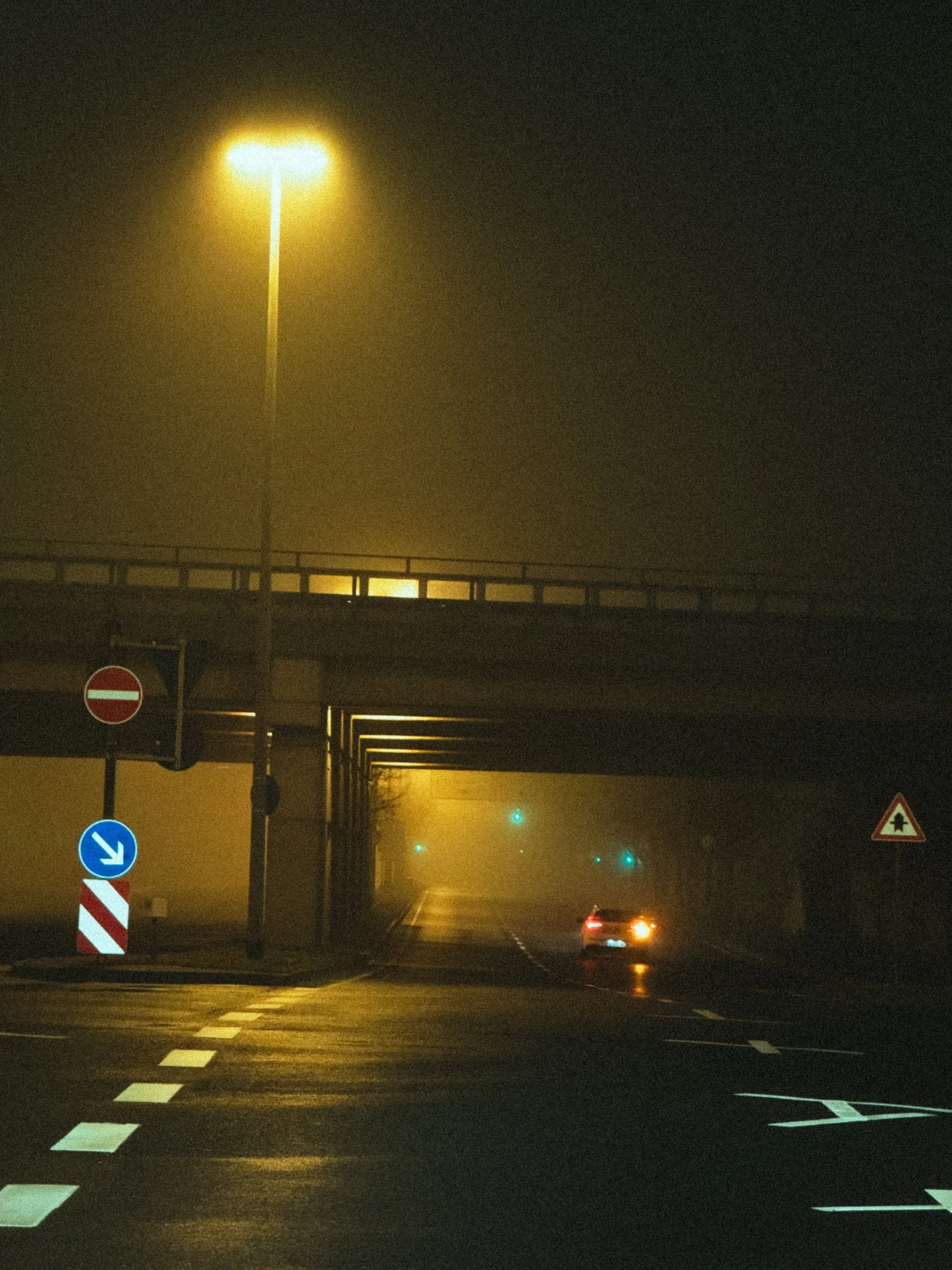
Ideal for foggy days, empty streets, urban scenes, and low-light photography — designed to work naturally in both daylight and night shots.
What´s included:
10 Desktop Lightroom Presets
10 Mobile Lightroom Presets
Instant digital download
Installation guide included
Free future updates
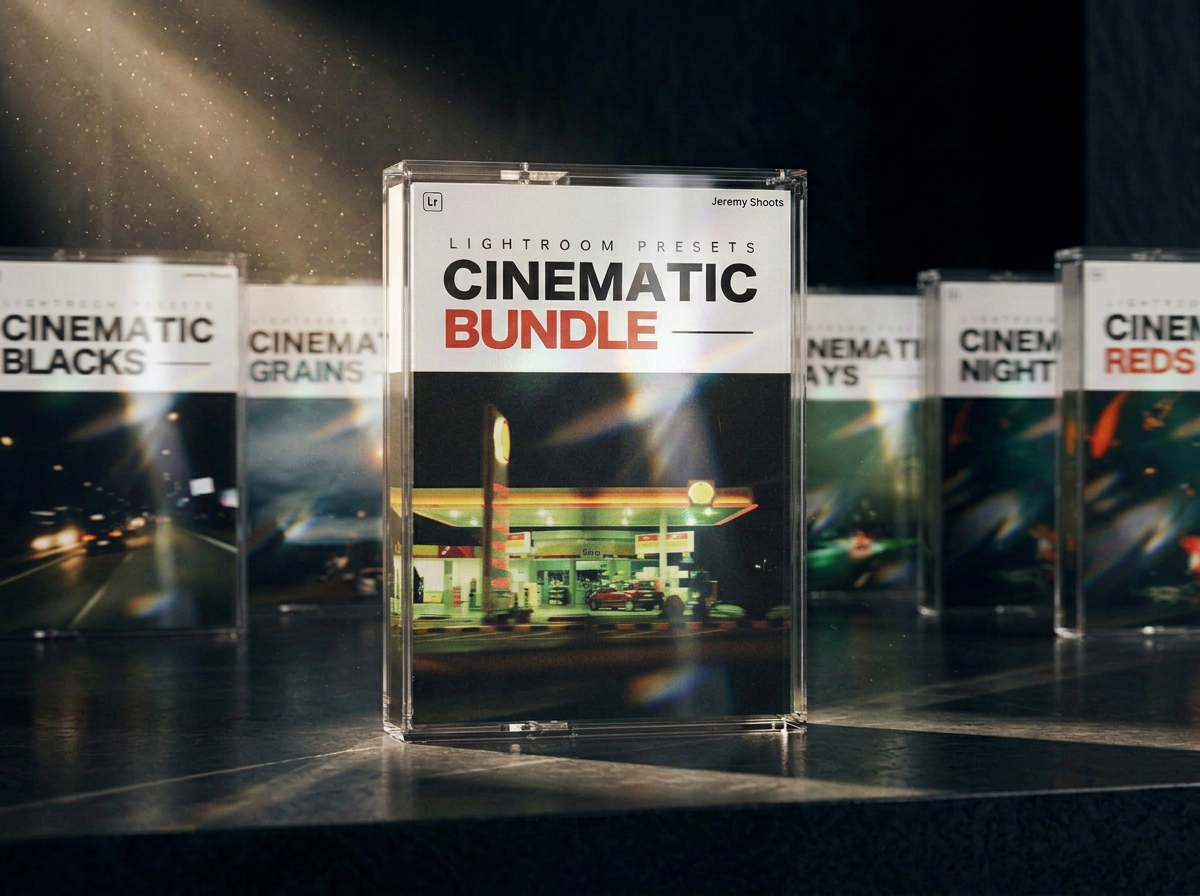
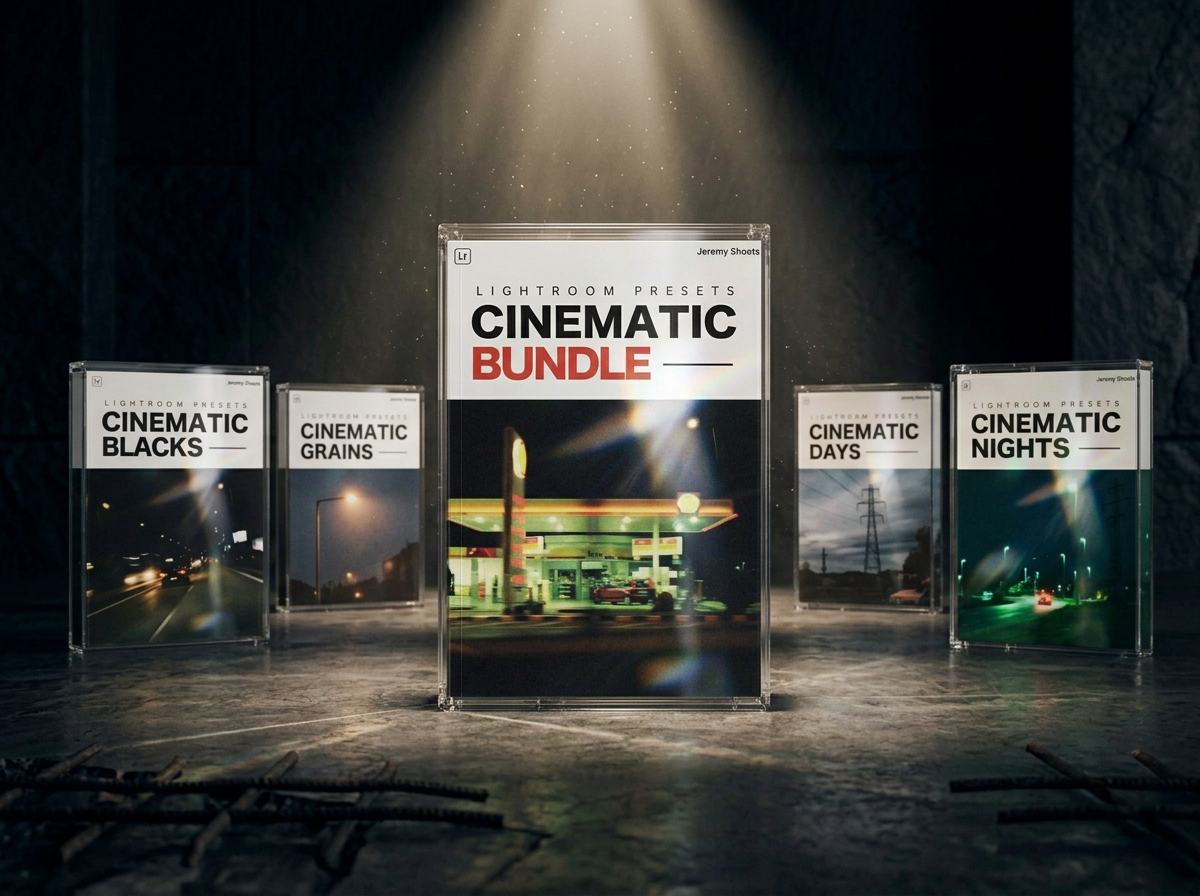
Get all my 60 Lightroom Presets in one pack.
Save 60% on my entire editing suite:
Cinematic Nights
Cinematic Days
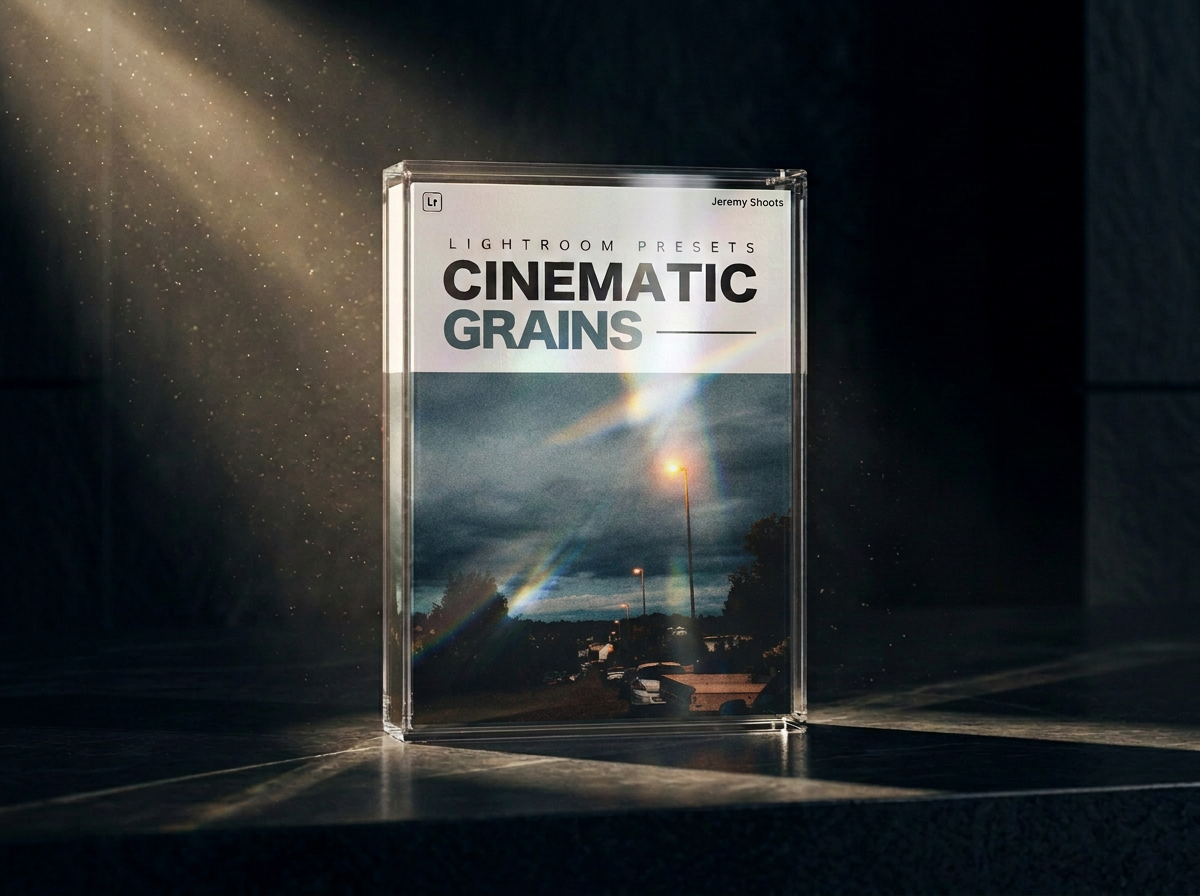
Cinematic Grains
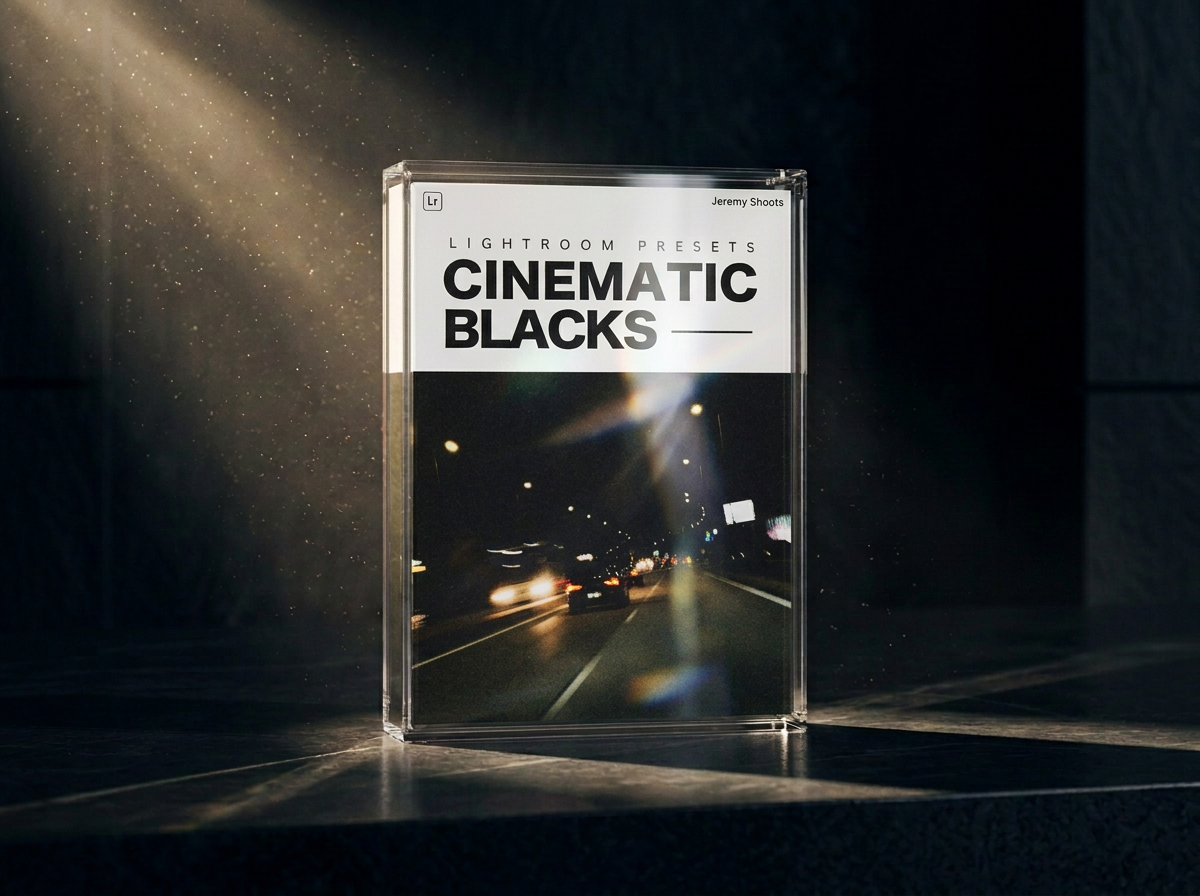
Cinematic Blacks
Includes:
30 Desktop Lightroom Presets
30 Mobile Lightroom Presets
Instant digital download
Installation Guide
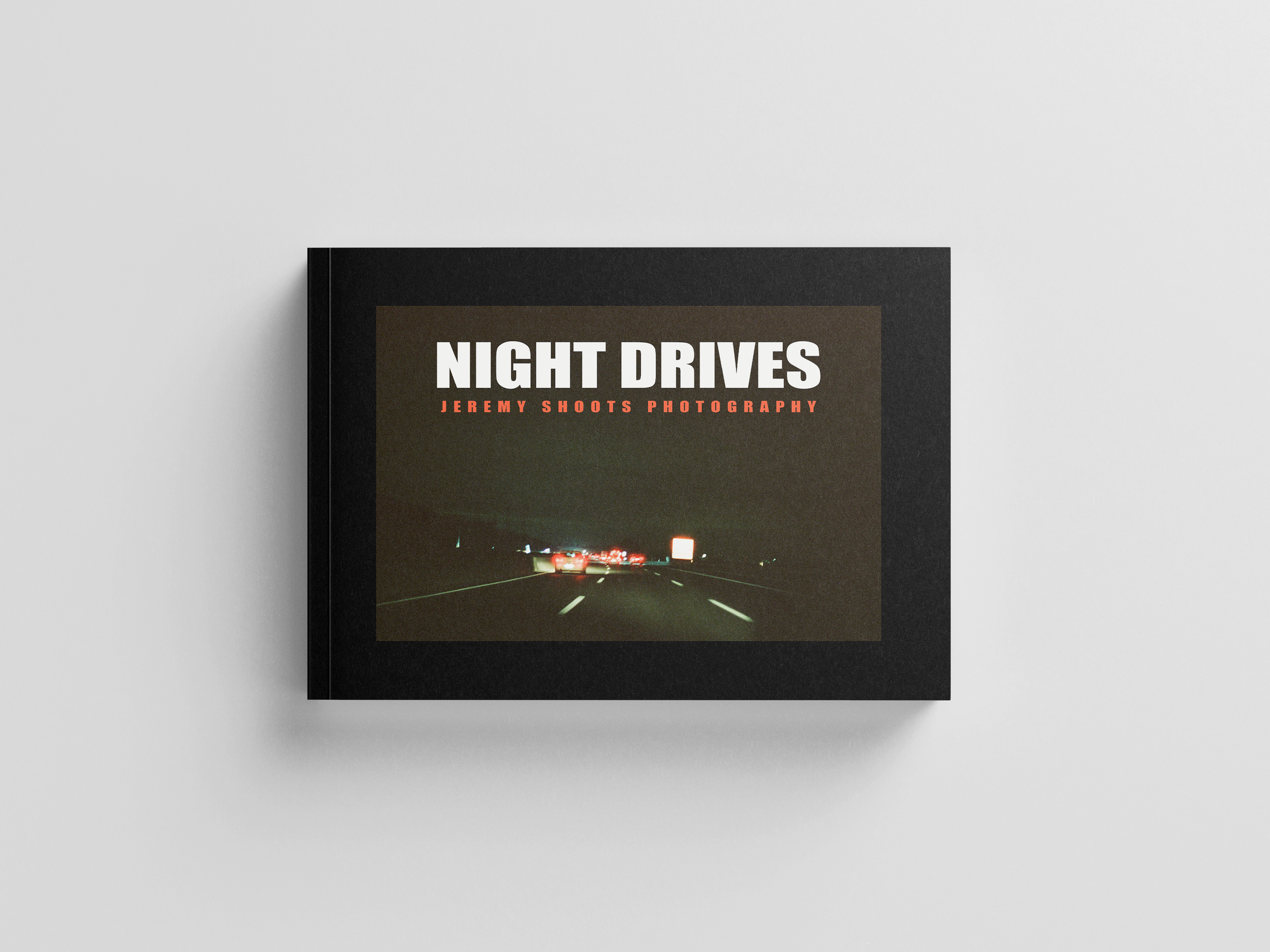
Shot entirely on Cinestill 800T film, “Night Drives” is a moody, atmospheric collection of photographs captured during late-night road trips. Through hazy headlights, empty highways, and neon glows, this book invites you into the solitude, mystery, and beauty of traveling after dark. Each image speaks to the quiet poetry of the road—the fleeting lights, blurred reflections, and passing shadows that define the midnight drive. This debut photo book is both a personal travelogue and a cinematic tribute to nights spent chasing stillness through motion.
Size: A4 (210 mm x 297 mm) - Landscape
60 pages - 170 g/m²
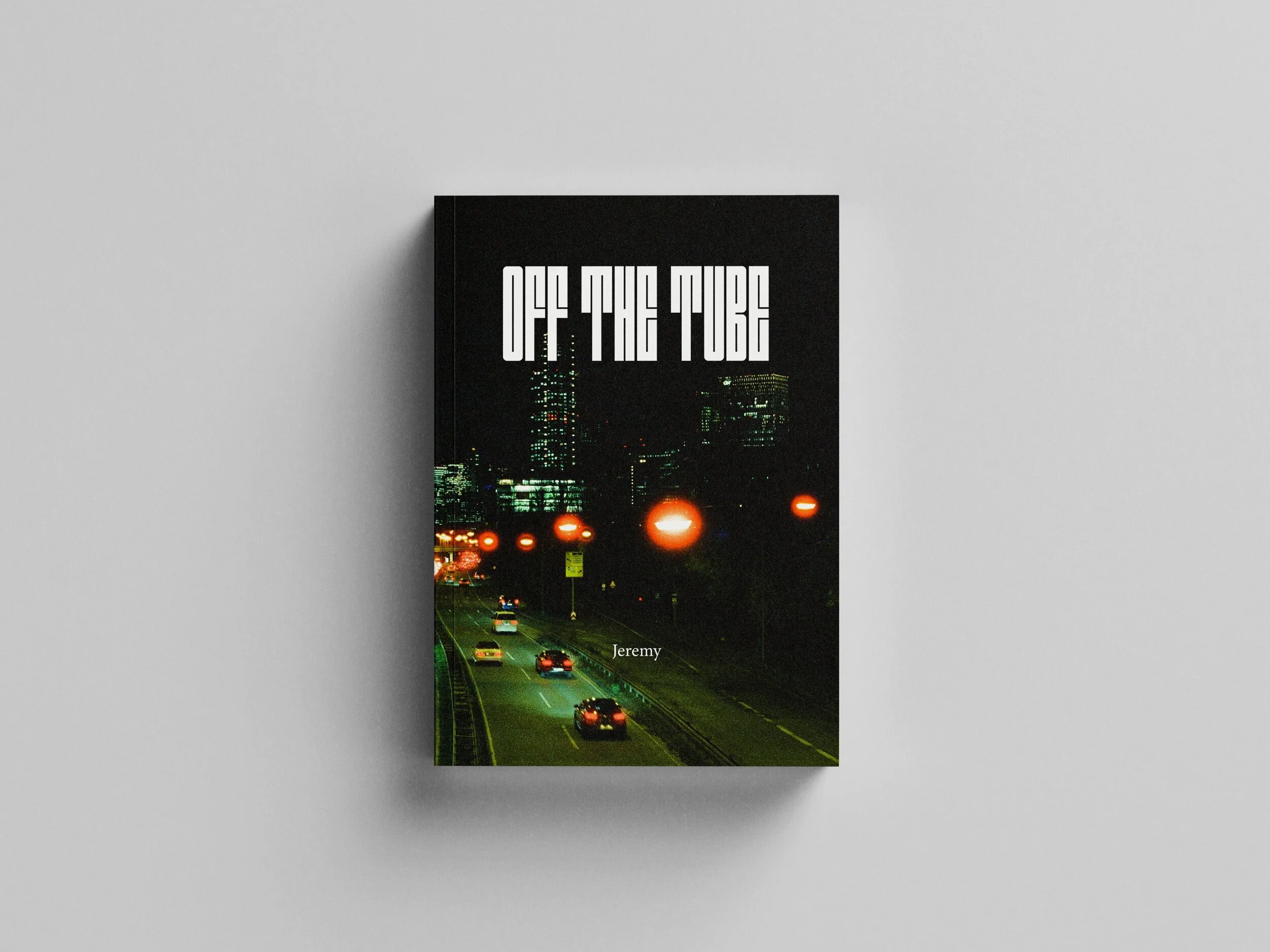
My first zine ‘Off The Tube’ is now available to pre-order.
This is a collection of my first year of film photography.
Entirely shot on CineStill 800T.
The photos you will find in the zine are part of my journey through Europe, divided in three chapters: Frankfurt, Rome and Barcelona.
80 pages
60 photos
170 x 240 mm